
VoiceLatte
Voice to text, anywhere on your Mac.
Your voice and text never leave your Mac.
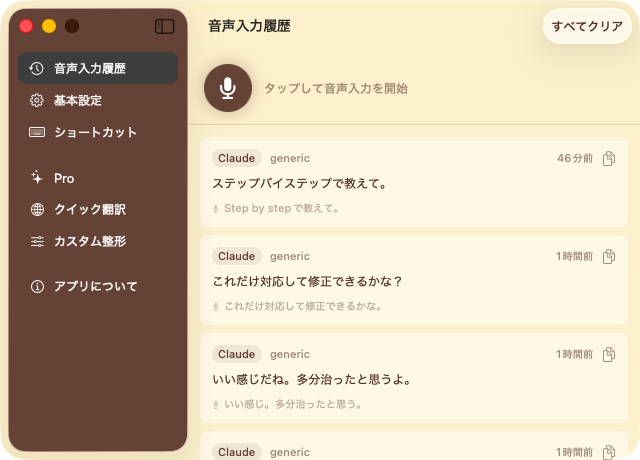
How it works
- 1Press a shortcut key
No matter what app you're in, just press your key to start recording.
- 2Speak
Japanese or English. AI automatically adds punctuation and removes filler words.
- 3Text appears
Inserted right at your cursor. No copy-paste needed.
A shortcut key, anywhere
Browser, editor, chat — press the key and speak. Text appears at your cursor. Push-to-talk mode lets you record only while holding the key.
Completely offline
Speech recognition and AI refinement both run on-device with Apple Intelligence. No network connection needed. Your recordings never leave your Mac.
Do more
Speak in one language, type in another. Real-time translation as you dictate.
Casual for chat, polite for email. Set refinement rules for each app.
100% on-device. No data leaves your Mac.